
Download Microsoft PowerPoint APK – Mobile productivity, presentation tool, PowerPoint mobile, slide editor, collaborative software
Overview
Microsoft PowerPoint APK is a mobile productivity application designed for creating, editing, and presenting dynamic slideshows on smartphones and tablets. Developed by Microsoft Corporation, the app enables users to access and manage their presentation files from virtually any location, offering seamless continuity between desktop and mobile workflows. The software is particularly useful for professionals, educators, students, and presenters who require a reliable tool to prepare and deliver compelling visual content on the go. Its core purpose lies in simplifying the process of crafting visually engaging presentations by integrating familiar tools and intuitive workflows adapted for touch-based devices. Users can create, modify, and view PowerPoint files with ease, incorporating text, images, charts, graphs, music, and video elements directly within the app. Real-world usage scenarios include delivering school project presentations, conducting business meetings, preparing training materials, and collaborating remotely. The app supports real-time synchronization with OneDrive, ensuring that changes made on mobile devices are instantly reflected across all linked platforms. This functionality enhances workflow efficiency and reduces the risk of data loss or version conflicts. The developer did not provide additional system requirements or detailed performance benchmarks.Key Features & Capabilities
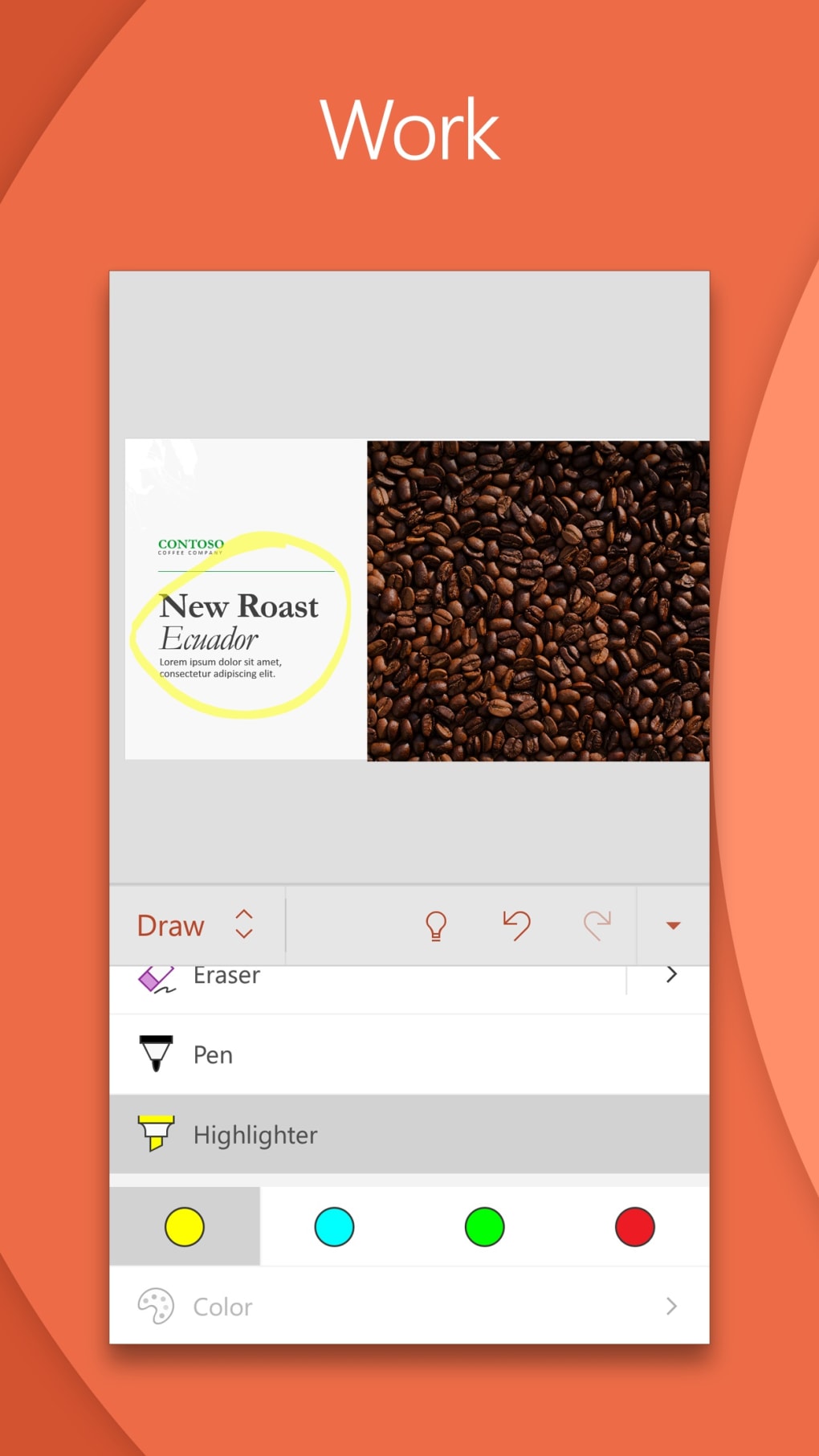
- Slide Creation and Editing: Users can build and modify slides using a range of text formatting tools, layout options, and design elements. The interface supports intuitive touch gestures for rearranging, duplicating, and deleting slides.
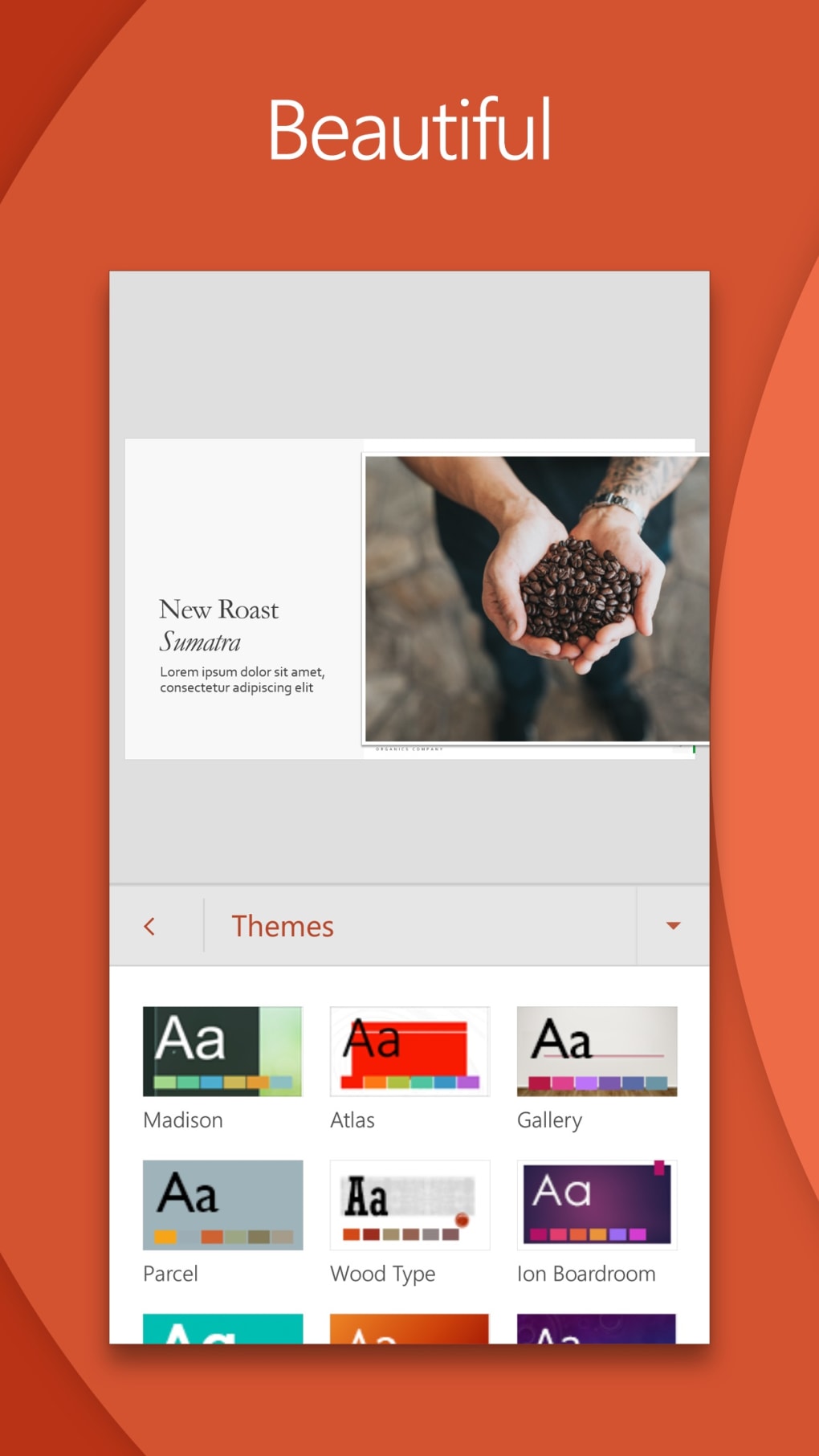
- Pre-Designed Templates and Themes: A library of customizable templates is available to help users quickly establish professional-looking presentations with consistent visual branding and layout structures.
- Multimedia Integration: The app allows seamless insertion of audio files, video clips, charts, and graphs into slides, enhancing the visual and narrative impact of presentations.
- Presenter Coach (AI-Powered Feedback): This feature uses artificial intelligence to analyze speech patterns, filler words, body language, and tone during practice sessions, offering real-time feedback to improve delivery and clarity.
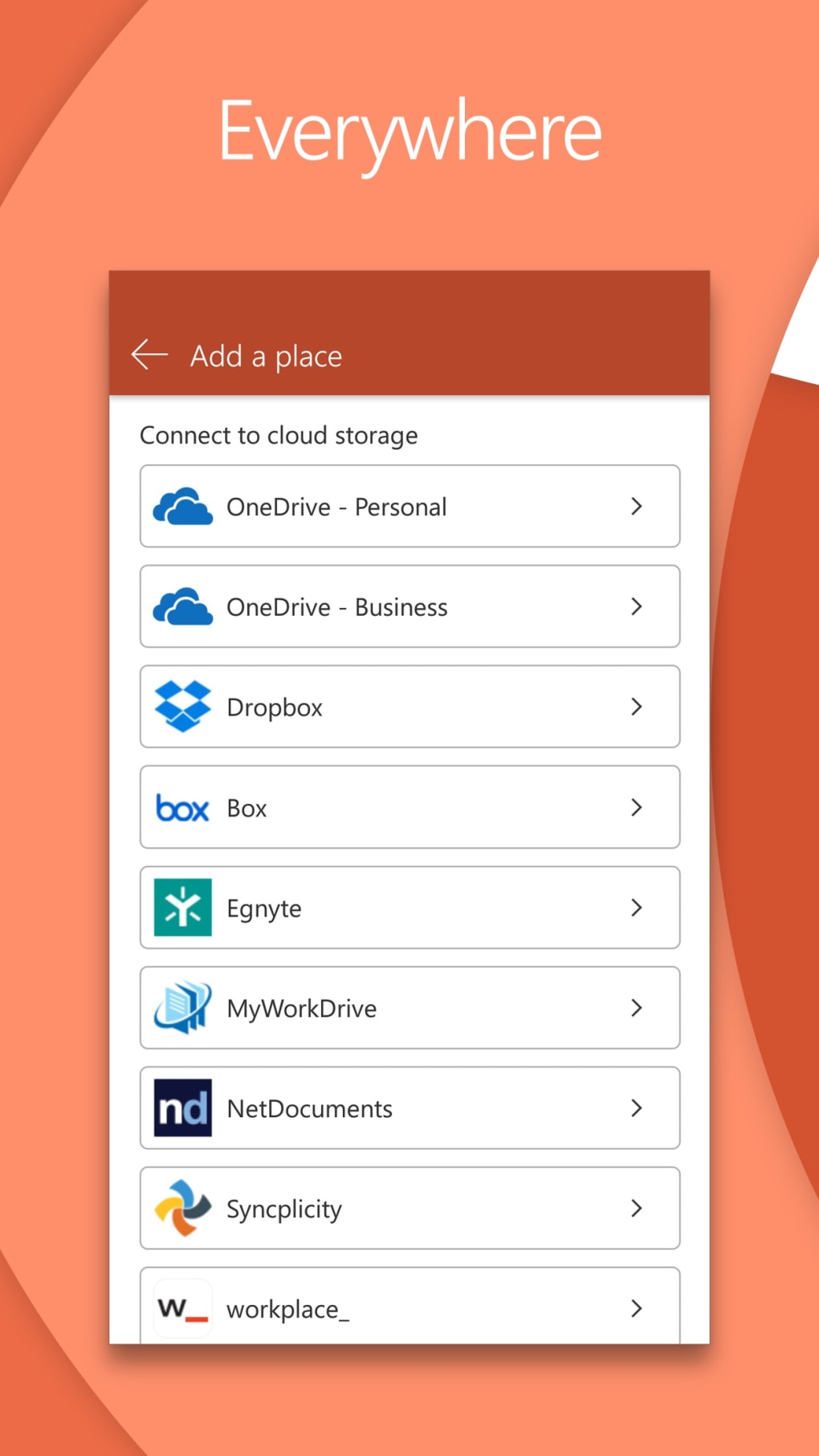
- OneDrive Synchronization: All edits and file changes are automatically synced with the user’s OneDrive account, enabling access and continuity across devices without manual file transfers.
- Collaborative Editing: Multiple users can work on the same presentation simultaneously. The app supports real-time comments, version tracking, and access permissions to manage team contributions effectively.
- Slide Sorter Mode: A dedicated view allows users to organize slides efficiently, including the ability to edit photo albums directly within the Slide Sorter interface.
User Interface, Workflow & Performance
The user interface of Microsoft PowerPoint APK is designed with touch navigation in mind, featuring a clean layout with clearly labeled icons and contextual menus. Navigation is streamlined through a bottom ribbon that provides quick access to core functions such as adding slides, inserting media, and applying transitions. The app maintains consistency with the desktop version’s design language, ensuring a familiar experience for users transitioning between platforms. Workflow efficiency is enhanced by gesture-based controls, such as swipe-to-reorder and pinch-to-zoom, which simplify slide management and content editing. The app supports real-time collaboration, allowing multiple users to interact with the same presentation simultaneously. However, exact performance details were not specified. The developer did not provide information on CPU or RAM usage, nor did they disclose any known stability issues. Performance observations are based on general software behavior patterns. Users may experience varying performance depending on device hardware and network conditions, particularly during cloud synchronization or when working with large multimedia files.Compatibility & System Requirements
Microsoft PowerPoint APK is designed for mobile operating systems, specifically Android devices. The app is available for download on Android smartphones and tablets through official app stores. The installation size is not specified in the provided information. The developer did not list exact system requirements, including minimum processor speed, RAM, or storage capacity. Compatibility information is limited to the Android platform. The app leverages cloud integration with OneDrive, which may require a stable internet connection for full functionality. The developer did not specify whether offline editing is supported or how long cached files remain available without connectivity.Pros and Cons
Pros
- Free to download and use with optional in-app purchases for enhanced features.
- Seamless synchronization with OneDrive enables cross-device access and real-time updates.
- Powerful AI-driven Presenter Coach helps users refine their public speaking skills.
- Supports collaborative editing with real-time comments and access control.
- Intuitive touch interface optimized for mobile devices.
- Access to a wide range of templates, transitions, and multimedia integration tools.
Cons
- May present a learning curve for users unfamiliar with presentation software.
- Exact system requirements and performance metrics were not disclosed.
- Some advanced features may require a Microsoft 365 subscription.
- Offline functionality may be limited depending on cloud dependency.
- Large multimedia files could impact performance on lower-end devices.





.png)

